Unable to add an Android VPN profile
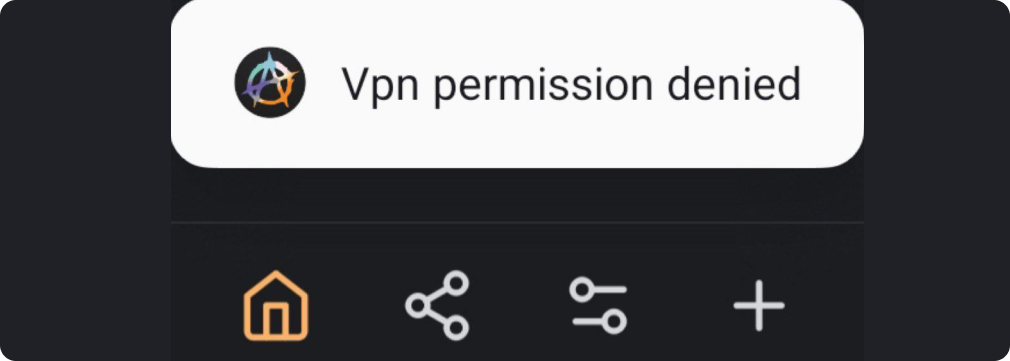
If other VPN apps are installed on your device alongside AmneziaVPN, the problem may be caused by extra options enabled for those apps. In that case, the VPN connection request is rejected and AmneziaVPN shows the error VPN permission denied.
What to do:
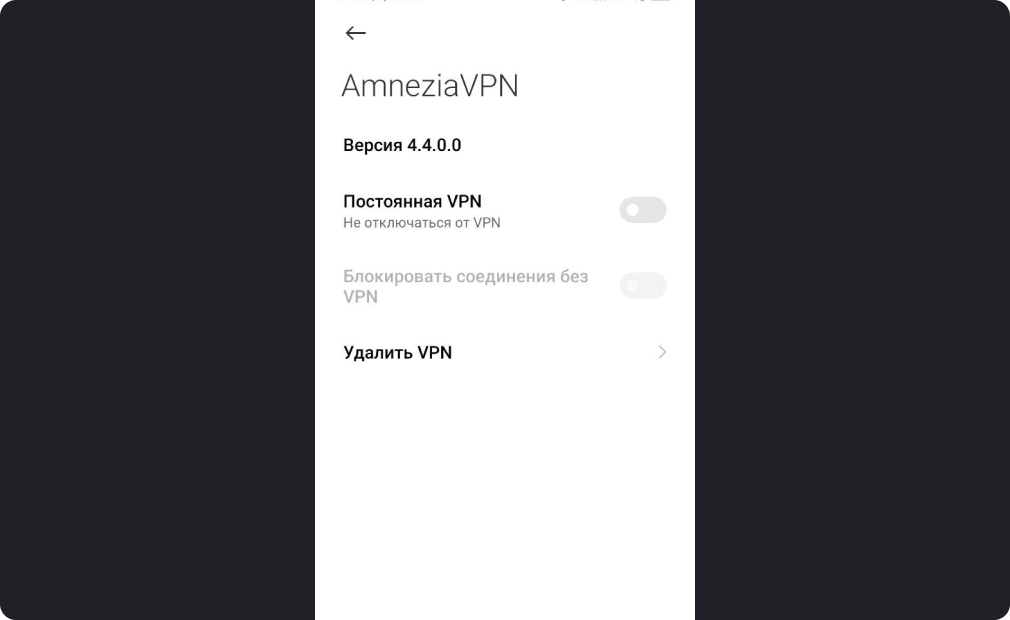
- In system settings, open the VPN section, where the additional settings for all installed VPN apps are stored.
- Turn off Always-on VPN and Block connections without VPN for all other VPN apps.